Adobe Users in New Zealand
Mac IT Support · Adobe Creative Cloud · NZ
The Mac IT support Adobe users actually need
Most IT firms support the network. Imagetext supports the creative stack — JAMF-managed Macs, Adobe licensing, font environments, and shared storage — built for studios that run on Creative Cloud.
Auckland-based. Serving NZ design studios, agencies & in-house teams.
The problems you’re probably working around
Adobe on Mac breaks in predictable ways
These aren’t random. They’re what happens when complex professional software runs without IT support that understands both platforms.
Problem 01
Updates that break plugins
Adobe pushes frequent updates. Across a studio of ten machines, one Photoshop update can break a plugin three designers depend on — and Adobe’s rollback process is not straightforward.
Problem 02
Licensing chaos
Named licences, shared device licences, team plans — each with different activation limits. Ghost licences on old machines eat seats. Compliance exposure creeps up silently.
Problem 03
Font conflicts between machines
Adobe Fonts, locally installed fonts, and studio-shared fonts can conflict after OS updates. A layout built on one Mac shouldn’t look different on another — but in a poorly managed environment, it often does.
Problem 04
macOS vs Adobe compatibility
Apple releases major macOS updates annually. Adobe takes weeks to certify. If a designer updates before Adobe has signed off, you’re in an unsupported configuration — crashes, glitches, hard-to-diagnose export failures.
Problem 05
Shared storage that doesn’t scale
Dropbox and Google Drive are built for documents, not 2GB Premiere projects. Without proper shared storage architecture, version conflicts and overwritten files are a matter of when, not if.
How Imagetext fixes it
Three foundations. One managed environment.
Our approach to Adobe + Mac management is built on JAMF, the Adobe Admin Console, and storage architecture designed for creative workflows.
JAMF-based Mac management
Every Mac enrolled in JAMF MDM. The same macOS version, the same Adobe versions, the same security policies across every machine in your studio. When something goes wrong, we diagnose remotely. When something needs updating, we push it centrally — after testing it first.
Adobe Admin Console management
We manage your Adobe licences centrally — assigning seats, auditing usage, removing licences from departed staff, ensuring your team always has access without overpaying for unused seats.
Storage built for creative workflows
Shared storage designed for large files — fast enough for video editing, reliable enough for daily production, backed up properly, and accessible from wherever your team works. Not Dropbox. Not a NAS someone set up three years ago.
Who this is for
If your work runs on Creative Cloud, your IT should too
We manage Adobe and Mac environments across NZ’s creative sector.
Graphic design studios
Solo practitioners to teams of twenty. We handle the Mac and Adobe stack so you handle the work.
Video production companies
Large project files, editing workstations, and tight deadlines. Storage and compute need to be right.
Ad agencies & brand studios
Creative Cloud is the core business tool. Managed as such — not bolted onto a generic IT contract.
Architecture & engineering firms
Mac fleets running BIM, CAD, and Adobe in parallel need specialist Mac IT, not generalist Windows support.
In-house design teams
Larger organisations with a design team that needs specialist Mac support separate from corporate IT.
No obligation. One hour.
Start with a Creative Cloud Audit
A review of your current Adobe licensing, Mac management setup, and storage architecture. We identify what’s costing you time, what’s creating compliance risk, and what a properly managed environment looks like.
Most studios find at least two or three problems in the first session they didn’t know were fixable.

𝗜𝗠𝗔𝗚𝗘𝗧𝗘𝗫𝗧 𝗜𝗧 𝗦𝗣𝗘𝗖𝗜𝗔𝗟𝗜𝗦𝗧𝗦
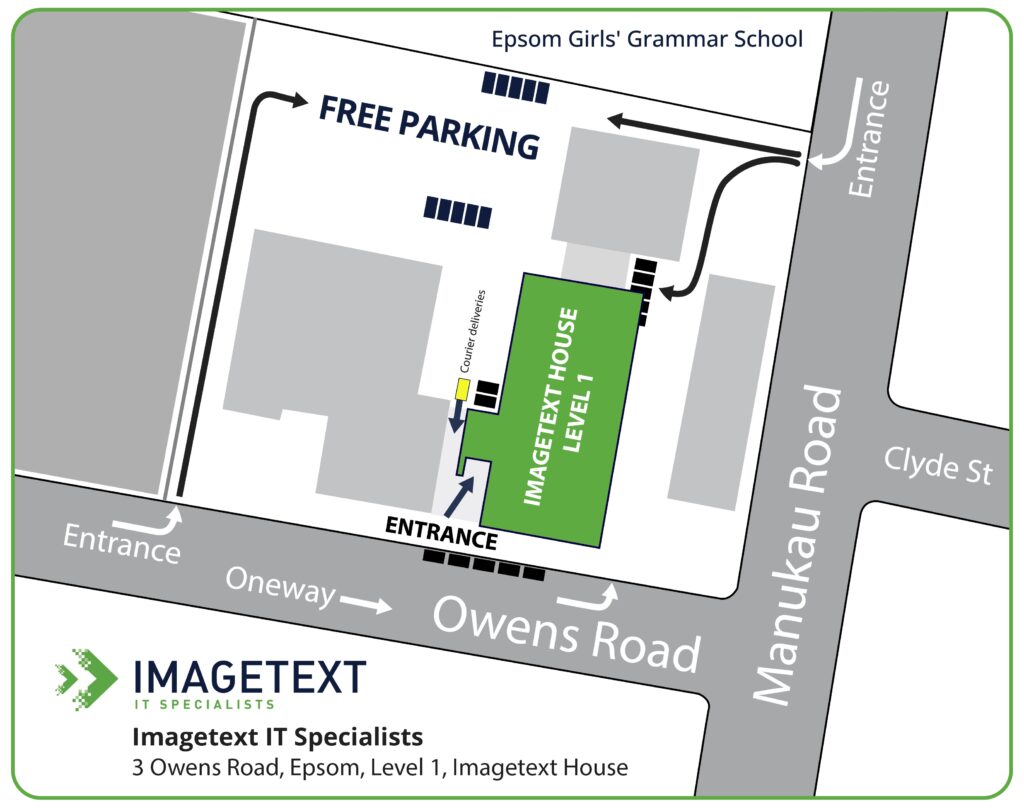
3 Owens Rd, Epsom, Auckland 1023, New Zealand
Email: brian.gibbs@imagetext.co.nz