

How to protect against ransomware attacks
30 Jun 2017

You don’t have to paint a picture to describe the seriousness of being unable to access information on computers. Yet, hospitals, governments, and major companies are finding out first-hand how damaging cyberattacks – specifically ransomware attacks – can be.
These entities and more fell victim this month to what CNN is reporting as one of the most damaging cyberattacks in history. The nefarious program in question ‘WannaCry’ is typical of cryptolockers and other ransomware, ‘locking’ files on infected computers and servers until the affected parties pay a ransom to access their own files. Thankfully, an exploit was quickly found to shut down the attack, reports the Guardian, yet this fix is only a temporary bandage in the ongoing battle against cybercriminals.
Ransomware acts fast and can cripple businesses in an instant. However, businesses are by no means sitting ducks. Technologically competent businesses that engage in safe online behavior, frequently backup, and seek out help and advice from the experts should never have to pay cybercriminals, even if they find themselves affected by a ransomware attack.
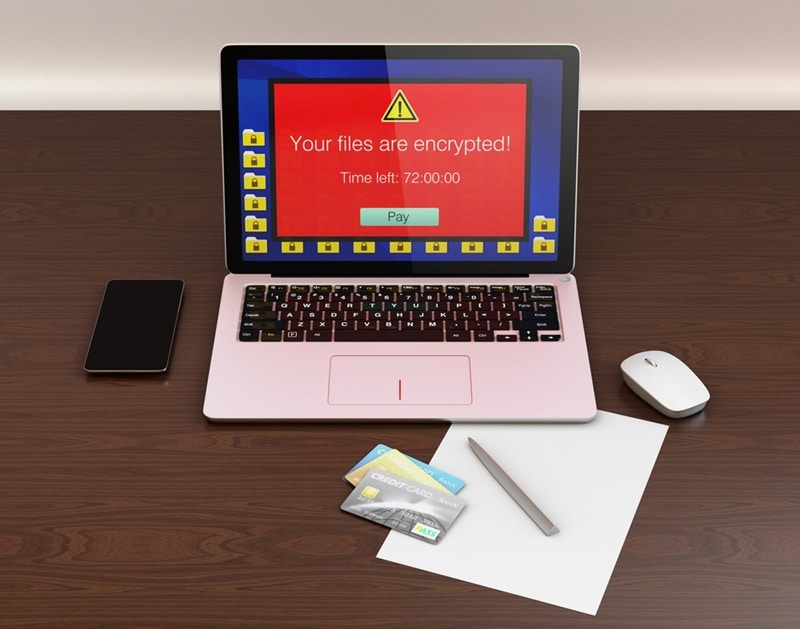
🚨 Ransomware: Fast Attacks, Critical Defenses
Ransomware attacks (also known as cryptolockers) are noted for their simplicity and speed, making them highly damaging to businesses. These malicious programs can quickly encrypt files across an affected computer and any accessible network drives or cloud applications (like Dropbox and OneDrive), rendering them unusable.
Why Backups Aren’t Enough
While having a clean, unencrypted backup copy of files is essential to avoid paying the ransom, relying solely on backups presents risks:
- Infection Risk: Ransomware can potentially encrypt attached backup files and drives if they are connected at the time of infection.
- Costly Downtime: Even with a clean backup, restoring large volumes of files can still result in the business being down for days, incurring significant costs through lost productivity.
What to Do During an Attack
Time is critical, as the longer the ransomware acts, the longer recovery will take.
- Isolate Immediately: The first step is to isolate and turn off the server and the infected machine. Since ransomware typically originates on a desktop, preventing its access to the wider network (including servers and cloud files) is crucial.
- Call Experts: Once isolated, experts can be called to locate and isolate the attack source, then safely restore locked files.
Protection and Prevention
Preventing a ransomware attack is a straightforward and highly effective defense:
Monitor Risky Behavior: Businesses should monitor potential threats and identify individuals who may be engaging in risky behavior (like bypassing antivirus updates), as employee actions often contribute to breaches.
Up-to-Date Antivirus: The most effective defense is ensuring antivirus software is current and properly maintained.
To find out more, get in touch with Imagetext Integrated Solutions today.
Share:
Services
More Services
Contact Imagetext
Phone: +64 (09) 623 3102
Level 1, 3 Owens Road,
Epsom, Auckland 1023
New Zealand
Connect With Us