
iOS 26.5 Update Released for iPhone & iPad
11 May 2026
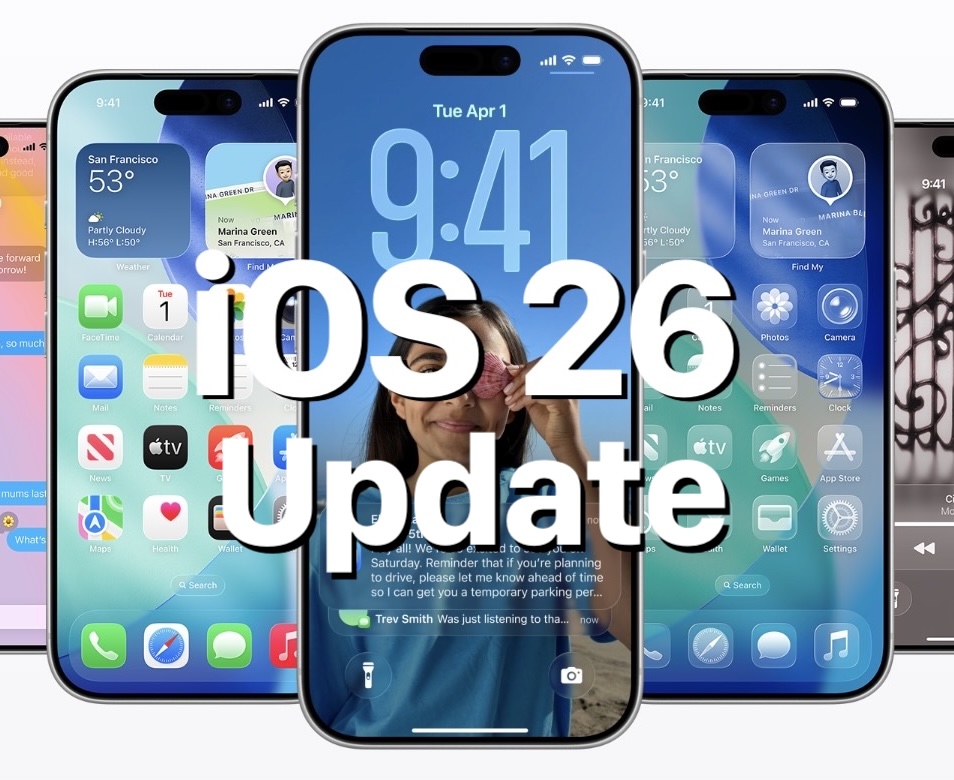
Apple has released iOS 26.5 for iPhone, along with ipadOS 26.5 for iPad. The new software updates include bug fixes, security patches, and a few new features, including encrypted RCS messaging on supported carriers (basically for encrypted texting between iPhone and Android users), a new customizable Pride wallpaper, and “Suggested Places” in Apple Maps.
Separately, Apple has also released macOS Tahoe 26.5 for Mac, watchOS 26.5 for Apple Watch, tvOS 26.5 for Apple TV, and a variety of other software updates for their various system software versions. Be sure to check your devices for any available updates.
How to Download & Install iOS 26.5 and iPadOS 26.5 Update
- Open the “Settings” app on your iPhone or iPad
- Go to “General” and then to “Software Update”
- Select to “Update Now” to download and install the iOS 26.5 update / iPadOS 26.5 update
iOS 26.5 Release Notes
Release notes for iOS 26.5 are as follows:
iOS 26.5
This update introduces support for end-to-end encrypted RCS (beta) messaging and a downloadable Pride Luminance wallpaper, along with enhancements, bug fixes, and security updates for your iPhone
This update includes the following enhancements:
● End-to-end encrypted RCS messaging (beta) in Messages is available with supported carriers and will roll out over time. For more information visit: https://support.apple.com/109526
● Pride Luminance wallpaper that dynamically refracts a spectrum of colors, is available for download
● Suggested Places in Maps displays recommendations based on what’s trending nearby and your recent searchesFor information on the security content of Apple software updates, please visit:
https://support.apple.com/100100Some features may not be available in all regions or on all iPhone models. To learn more, please visit: https://apple.com/ios/feature-availability/
Software updates, like this one, add new features and improvements that may affect performance and/or battery life. To learn more, please visit: https://support.apple.com/125039

Contact Mike Scragg 0218373727 or email: mike.scragg@imagetext.co.nz
𝗜𝗠𝗔𝗚𝗘𝗧𝗘𝗫𝗧 𝗜𝗧 𝗦𝗣𝗘𝗖𝗜𝗔𝗟𝗜𝗦𝗧𝗦
Phone +64 9 623 3102, 3 Owens Rd, Epsom, Auckland 1023, New Zealand
#AppleAtWork #JamfElite #DeviceManagement #Imagetext #NZTech #EnterpriseIT #EndpointSecurity #DigitalWorkplace #AppleDeviceManagement #AppleForBusiness #AucklandBusiness #imagetext
Services
More Services
Contact Imagetext
Phone: +64 (09) 623 3102
Level 1, 3 Owens Road,
Epsom, Auckland 1023
New Zealand
Connect With Us