
End of software support in 2026
19 Aug 2026
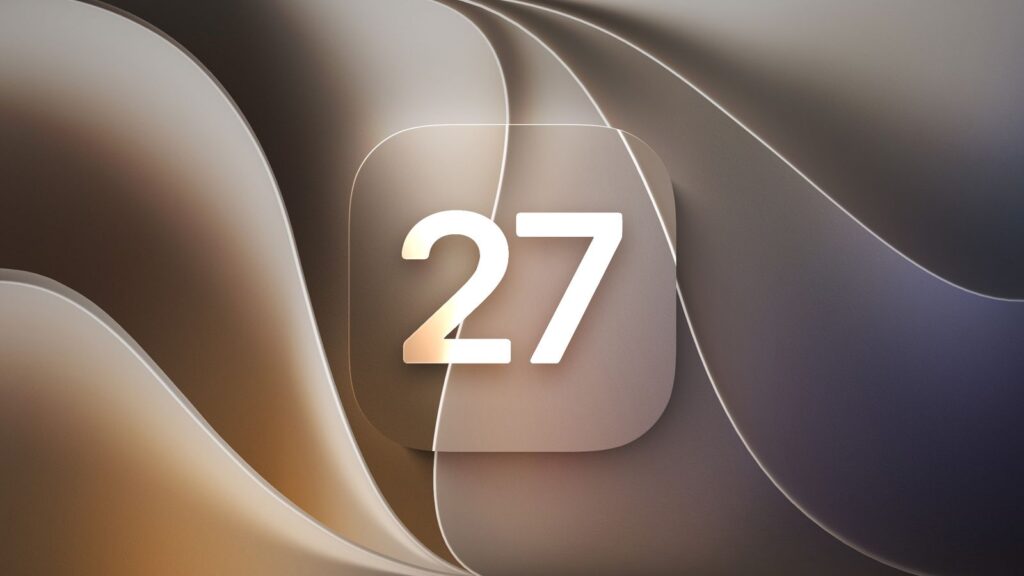
Apple devices that are reaching the end of software support in 2026
Apple revealed (Back in June) the new operating systems for all of its devices, including iOS 27, iPadOS 27, and macOS 27. These are currently in beta and are expected to release in September alongside the iPhone 18 Pro, iPhone 18 Pro Max, and other new products. However, with brand new software comes the end of support for older hardware.
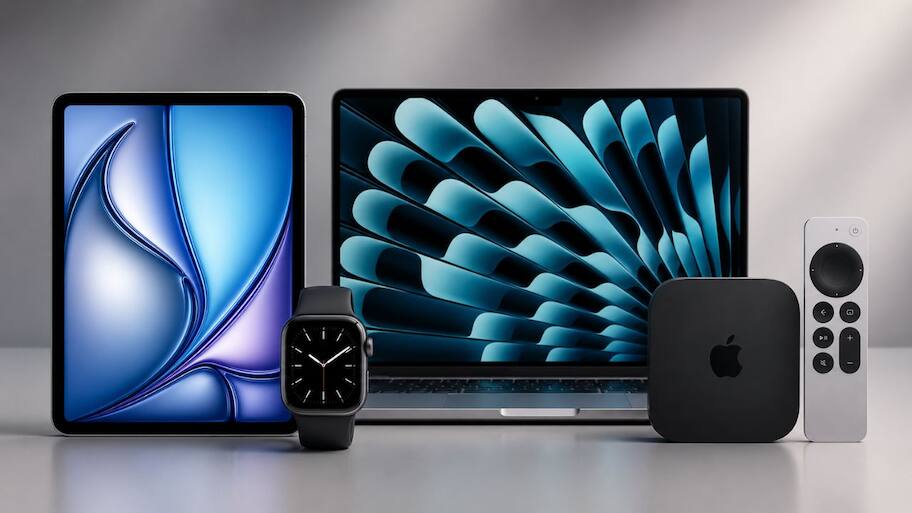
The good news is that all iPhones currently on iOS 26 will be able to upgrade. That includes models stretching all the way back to 2019’s iPhone 11, though older models won’t be able to access some of iOS 27’s features, particularly AI ones. The same can’t be said for other products, like iPads and Apple Watches. The following Apple devices will reach the end of software support with the release of iPadOS 27, watchOS 27, macOS 27, visionOS 27, and tvOS 27:
iPad
iPad Air (3rd generation)
iPad Pro 11-inch (1st generation)
iPad Pro 12.9-inch (3rd generation)
iPad (8th generation)
iPad mini (5th generation)
Apple Watch
Apple Watch Series 6
Apple Watch Series 7
Apple Watch Series 8
Apple Watch Ultra
Apple Watch SE
Mac
MacBook Pro (16-inch, 2019)
MacBook Pro (13-inch, 2020, four Thunderbolt 3 ports)
iMac (2020)
Mac Pro (2019)
Apple TV
Apple TV HD
Apple TV 4K
Can you still use Apple devices that are no longer supported?
If you have one of the devices listed above, you should know that reaching the end of software support doesn’t mean the end of support. Older operating systems still get security updates, keeping phones and other tech left behind as safe to use as those on the current software. Apple lists all of its security updates and affected online, so take a look if you’re unsure about any of your devices.
Once security updates end, unsupported devices won’t stop working outright, but they do become less safe to use. At that point, it’s time to upgrade. If you do want to keep a device like an iPad for longer, it’s best to keep it offline, and definitely don’t use it for anything involving personal or sensitive information.
If you have any question and would like to speak to one of our friendly Apple advisors please contact:

Phone +64 9 623 3102
3 Owens Rd, Epsom, Auckland 1023, New Zealand
#AppleSupport #TechUpdates #iOS27 #macOS27 #iPadOS27 #WatchOS27 #TechNews #CyberSecurity #AppleHardware
Services
More Services
Contact Imagetext
Phone: +64 (09) 623 3102
Level 1, 3 Owens Road,
Epsom, Auckland 1023
New Zealand
Connect With Us