
My Mac is slow?
28 Jul 2026
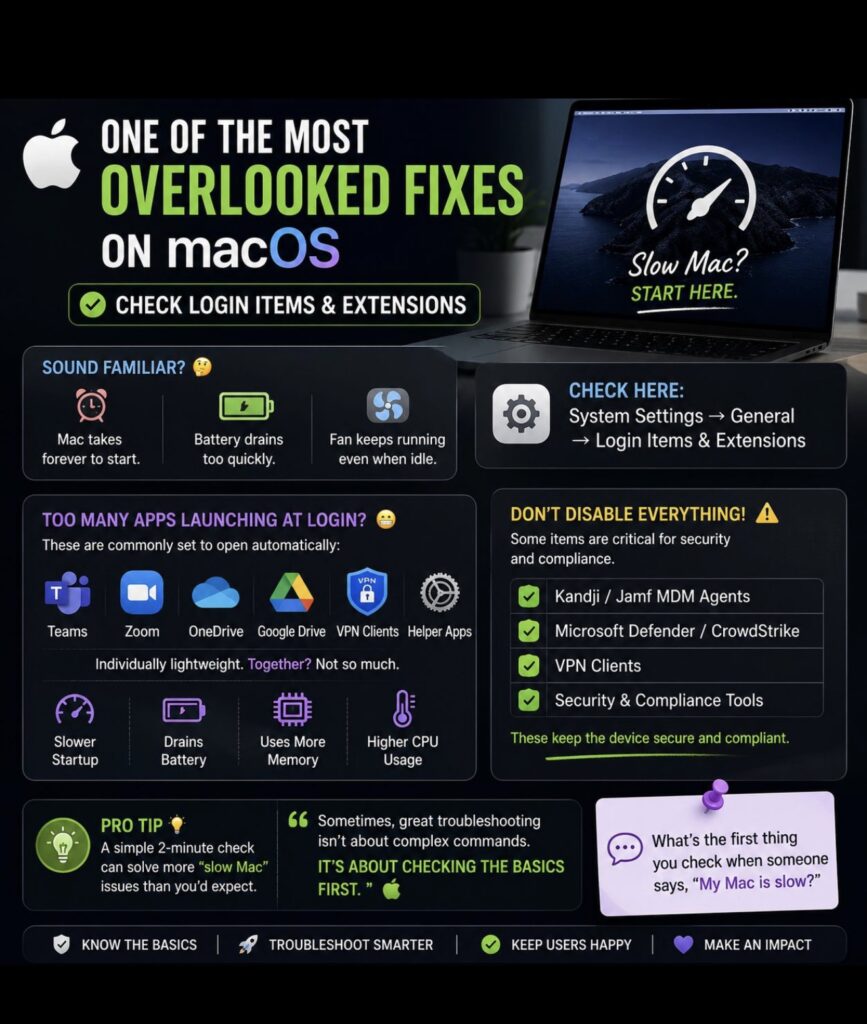
💬 What’s the first thing you check when someone says, “My Mac is slow?”
🍎 One of the most overlooked troubleshooting steps on macOS… is simply checking Login Items. 🚀
If you work in IT, you’ve probably heard users say:
💬 “My Mac is taking forever to boot.”
💬 “The battery drains so fast.”
💬 “Why is my MacBook fan running all the time?”
Most people immediately think it’s a hardware issue. 🤔
But surprisingly, one of the first things I check is Login Items & Extensions.
📍 System Settings → General → Login Items & Extensions
Over time, applications like:
💬 Microsoft Teams
📻 Zoom
☁️ OneDrive
📁 Google Drive
🔒 VPN Clients
🛡️ Security Agents
⚙️ Background Helper Apps
can all be configured to launch automatically when the user signs in.
Individually, they don’t consume much. But together? They can:
🐢 Slow down startup time
🔋 Drain battery faster
🧠 Consume memory in the background
🌡️ Keep CPU usage higher than expected
One important thing I always tell users is:
❌ Don’t disable everything.
In a corporate environment, many Login Items are there for a reason.
✅ Jamf MDM agents
✅ Microsoft Defender or CrowdStrike
✅ VPN clients
✅ Security & compliance tools
These are essential for keeping the device secure and compliant.
💡 Sometimes, great troubleshooting isn’t about running complicated Terminal commands.
It’s about checking the basics first.
That simple 2-minute check has solved more “slow Mac” complaints than people would expect. 🍏
Services
More Services
Contact Imagetext
Phone: +64 (09) 623 3102
Level 1, 3 Owens Road,
Epsom, Auckland 1023
New Zealand
Connect With Us