
Microsoft Copilot and Adobe Acrobat AI Assistant
28 Jul 2026
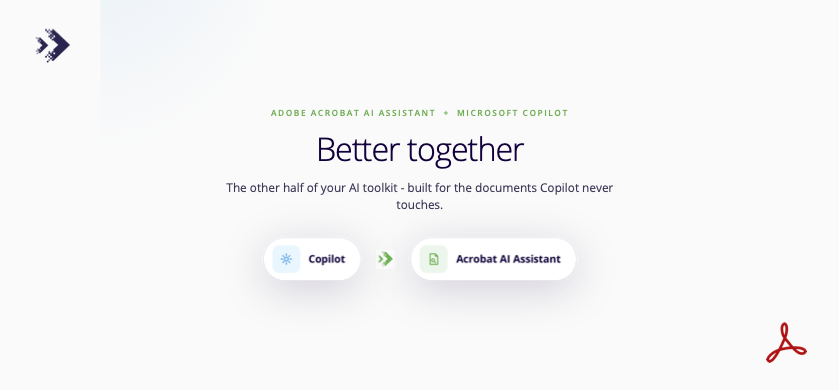
We keep finding a version of the same thing on client licence lists: Microsoft Copilot and Adobe Acrobat AI Assistant, both already included in a subscription.
Sometimes neither has ever been switched on. Just as often, one or both are running and getting opened occasionally, without anyone quite knowing what they’re for beyond a first look. Because the names sound similar, most people assume they do the same job. They don’t.

Copilot: built for creating
Copilot lives inside Word, Excel, Outlook and Teams. It’s built for creating: drafting an email, summarising a long thread, turning a plain-language prompt into a first-pass report or presentation. It works from what’s already in your Microsoft tenant, so there’s nothing new to install and nothing new to learn beyond the button already sitting in the ribbon.

Acrobat AI Assistant: built for finding
Acrobat AI Assistant solves a different problem. Once something becomes a PDF, whether that’s a 200-page contract or a policy update, the useful work is usually finding the three numbers that matter or checking what changed between two versions. Acrobat AI Assistant does that inside the same window your team already uses to open PDFs, with citations linking straight back to the page it pulled the answer from. It made TIME’s Best Inventions list in 2024 for exactly this, and organisations using it have reported up to 45% time savings and 415% ROI, according to Forrester Consulting’s 2025 Total Economic Impact study.


Two tools, one working day
Put side by side, the two cover a knowledge worker’s day almost end to end: Copilot for the drafting and thinking, Acrobat AI Assistant for the documents that land afterwards. Neither replaces the other, and neither needs a new purchase to get more out of. The licence is very likely already there, whether it’s sitting untouched or just underused.
We’re covering both properly this month, starting with Copilot next week, then Acrobat AI Assistant the week after. If you’d rather skip ahead and find out what’s actually happening with either tool in your own environment, that’s a conversation we’re happy to have now.

𝗜𝗠𝗔𝗚𝗘𝗧𝗘𝗫𝗧 𝗜𝗧 𝗦𝗣𝗘𝗖𝗜𝗔𝗟𝗜𝗦𝗧𝗦
Phone +64 9 623 3102, 3 Owens Rd, Epsom, Auckland 1023, New Zealand
Services
More Services
Contact Imagetext
Phone: +64 (09) 623 3102
Level 1, 3 Owens Road,
Epsom, Auckland 1023
New Zealand
Connect With Us