
Apple Tech Alerts…
14 May 2026

OS26.5 Mac OS and iOS information, why you should be doing the updates
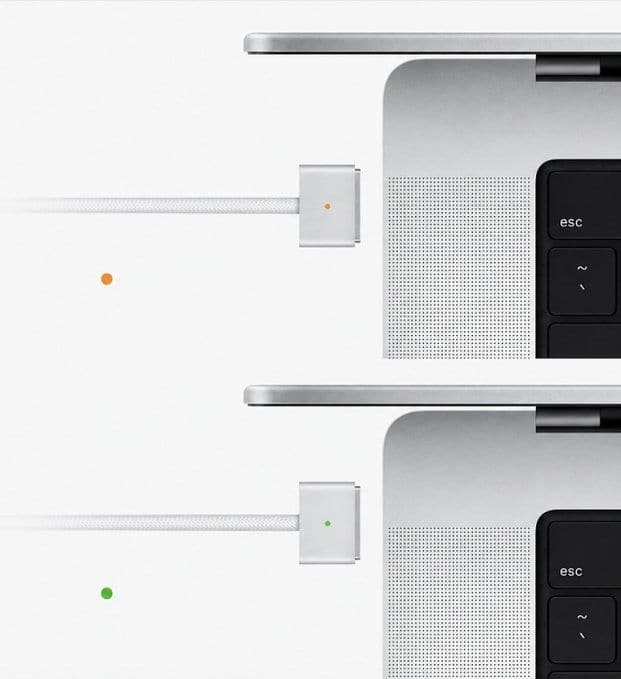
Apple has rolled out a handy tweak in macOS 26.5:
the MagSafe charging LED now switches to green once your MacBook hits a user-set battery limit (like 80%, 85%, 90%, or 95%).
Before this update, the light stayed orange even after reaching the limit, which confused many users since orange usually means it’s still charging.
The change makes it much clearer when charging is done, helping people who use the feature to protect long-term battery health.
You can set the limit in System Settings > Battery > Charging.
MacOS 26.5 brings a little novelty to users of a desktop Mac provided it is a very recent model:
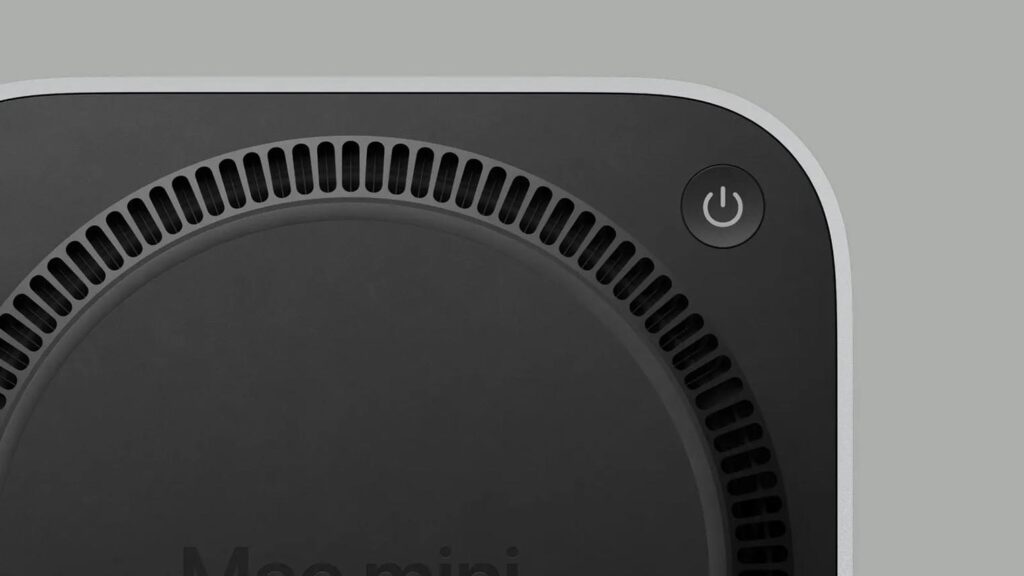
a new option allows you to automatically turn on the computer when it is turned on, without having to press the power button. On a new sheet published on its website, Apple indicates that the feature requires at least a 2024 Mac mini (M4 or M4 Pro), a 2025 Mac Studio (M4 Max or M3 Ultra) or a 2024 iMac (M4).

𝗜𝗠𝗔𝗚𝗘𝗧𝗘𝗫𝗧 𝗜𝗧 𝗦𝗣𝗘𝗖𝗜𝗔𝗟𝗜𝗦𝗧𝗦
Phone +64 9 623 3102, 3 Owens Rd, Epsom, Auckland 1023, New Zealand
#AppleAtWork #JamfElite #DeviceManagement #Imagetext #NZTech #EnterpriseIT #EndpointSecurity #DigitalWorkplace #AppleDeviceManagement #AppleForBusiness #AucklandBusiness #imagetext
Services
More Services
Contact Imagetext
Phone: +64 (09) 623 3102
Level 1, 3 Owens Road,
Epsom, Auckland 1023
New Zealand
Connect With Us